Rent receipts
A numbered receipt for every payment, and a record that holds
When you record a payment, Aqarly issues a receipt with a sequential number. If a payment was recorded by mistake, you void the receipt, it stays in the history, and you record a new one with the right amount, so your books stay clear for your accountant and auditor.
Set up in minutes · use Aqarly from any device
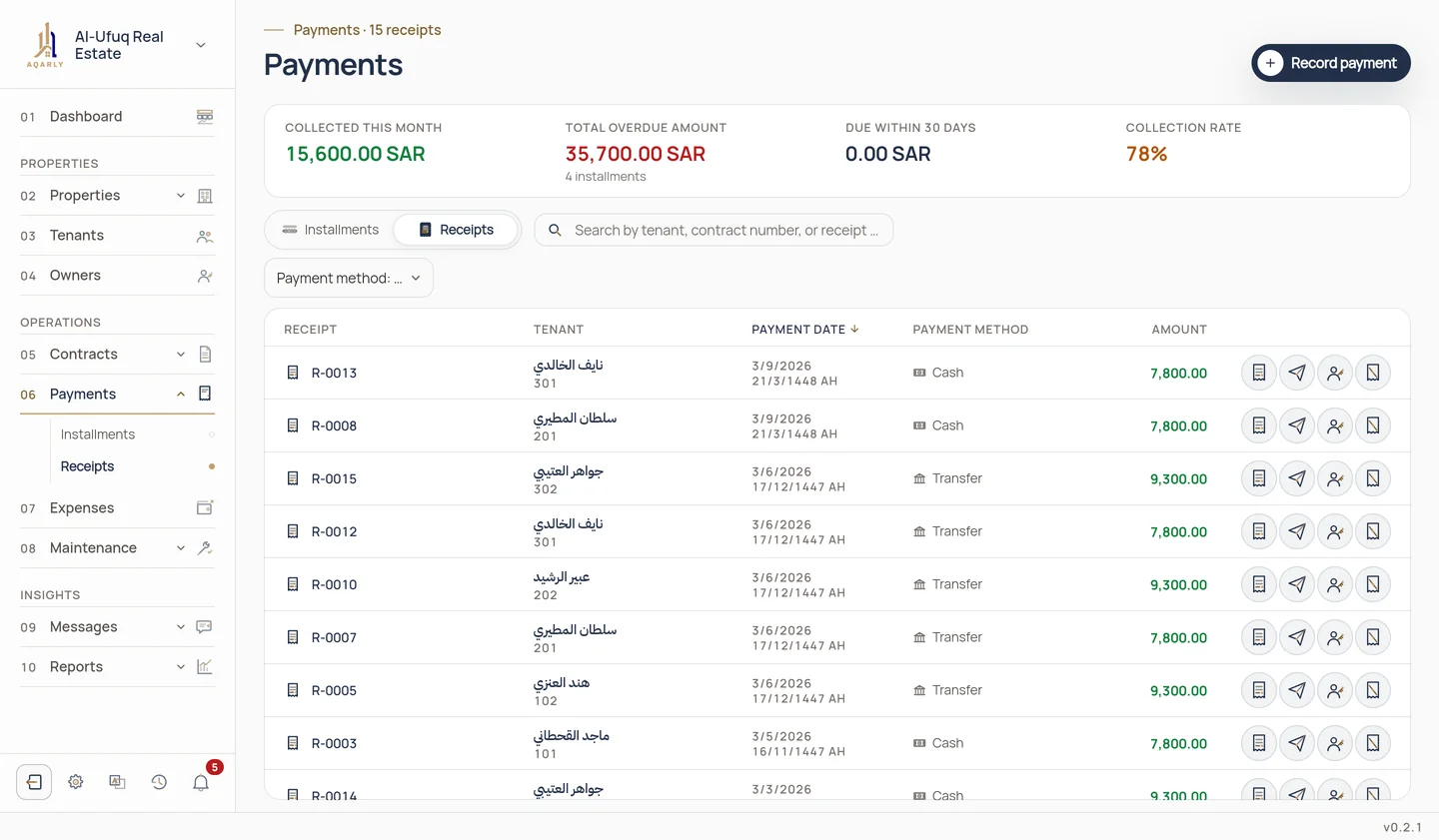
How to issue a receipt
Choose the installment
Open Payments, choose the installment that is due and press Record payment.
Enter the details
The amount, date, payment method and a reference if there is one.
Print or send
View and print the receipt, or use it in your message to the tenant.
What sets Aqarly's receipts apart
Sequential numbering
Each receipt takes its number when recorded, and no number is reused.
Void, never delete
A voided receipt stays in the history, and a replacement is issued with the right amount.
In your identity
Your organisation's logo, colours and stamp on the receipt.
In Arabic or English
Choose the receipt's language per tenant.
Questions
Can a receipt be edited after it is issued?
No. To protect the record, you void the receipt, which stays in the history, and record a new one with the right amount.
Is a voided receipt's number reused?
No. The voided receipt keeps its number, and the new receipt takes the next one.
Does an Aqarly receipt replace an Ejar receipt?
Aqarly's receipt organises your collections and books. Contracts that require payment through the Ejar platform remain subject to the platform's procedures.