Rent collection
Know who paid and who is late, without a spreadsheet
Aqarly builds each contract's payment schedule and shows what is due and overdue on one board. Record a collection with a numbered receipt, and prepare the tenant's reminder to review before you send it on WhatsApp.
Set up in minutes · use Aqarly from any device
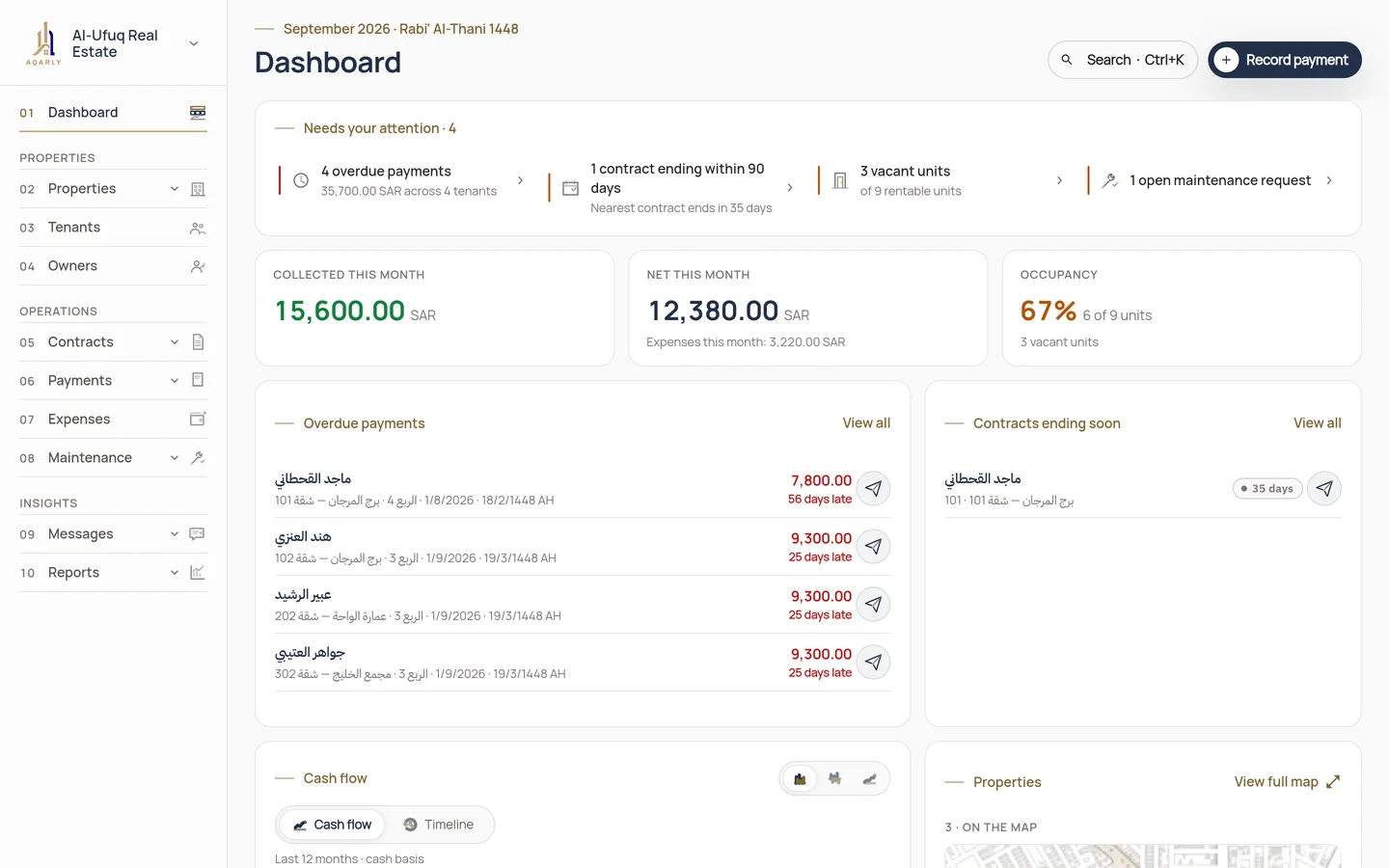
From due date to collection
Create the contract
Choose the tenant, unit, term, rent and payment frequency; Aqarly builds the payment schedule when the contract is activated.
Follow what is due
The dashboard gathers overdue payments and contracts nearing their end under Needs your attention.
Record the collection
Choose the installment and enter the amount, date and method; a receipt is issued with a sequential number.
What Aqarly does for collection
Reminders ready to review
Aqarly drafts the reminder before the due date, on it and when it is overdue, and sends nothing without your review.
Unapplied balance
If a tenant pays more than is due, the difference stays as their balance until it is used.
A statement per tenant
Their payments, receipts and balance in one exportable statement.
Collection and arrears reports
Among 15 reports ready to export as PDF and Excel.
Questions
Does Aqarly send reminders to tenants automatically?
No. Aqarly drafts the reminder into the review queue at the right time, and you review it and open it in WhatsApp to send.
Can one payment cover more than one installment?
Yes. A receipt can be applied to one or more installments, and any extra amount stays as the tenant's balance.
My collections are in Excel. Do I retype them?
No. Import your Excel file of units, tenants, contracts and amounts collected so far, and review each row before importing.