Import from Ejar
Your Ejar-attested leases, in Aqarly without retyping
Instead of typing contracts in, upload one attested contract file or up to 50 at once, and Aqarly reads each: its number, the tenant whether a person or a company, the units, the term, the value, the deposit and the payment schedule exactly as Ejar wrote it. Review them, then import the ready contracts together.
Set up in minutes · use Aqarly from any device
How the import works
Upload the files
Choose the attested contract file from the Ejar platform, or several together. The files are read in your browser.
Review each contract
Aqarly shows what it read from each file with its payment schedule and suggests the property and units; you choose where a choice is needed.
Import the contracts
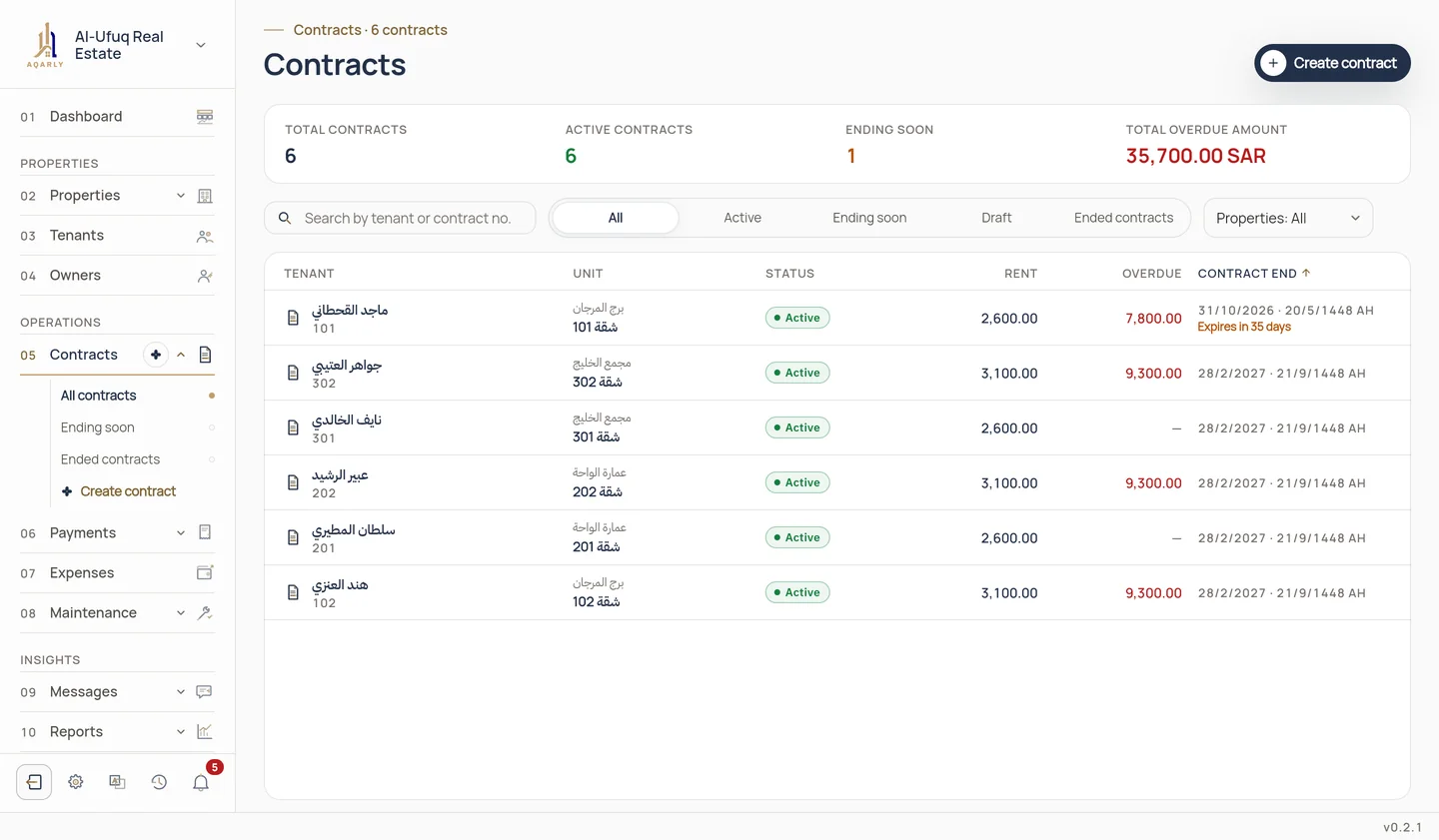
Aqarly creates the contracts and their schedules, linked to the tenants and units, in one import you can undo within 24 hours.
What saves time and prevents mistakes
The schedule as in Ejar
Payments are created with the dates and amounts written in the contract, even when they are irregular.
Review before saving
No contract is created until you have reviewed and imported it.
No duplicates
A contract already in Aqarly with the same Ejar number is not imported again, nor the same file twice.
Ejar dates, followed
The Ejar page shows leases not yet registered and the last days for a non-renewal notice and a rent change, with alerts before them. Aqarly is not connected to Ejar; the status is what you record or what the file said.
Questions
Which file do I upload?
The attested contract PDF you get from the Ejar platform, not a scanned image.
What if a contract's details need correcting?
You review what was read before importing and can leave any file out. After the import you edit the Ejar status and number on the contract card, and the whole import can be undone within 24 hours.
Is Ejar import part of the subscription?
Yes. Importing from the Ejar platform is included in Aqarly's annual subscription.